One setup for every school in the district
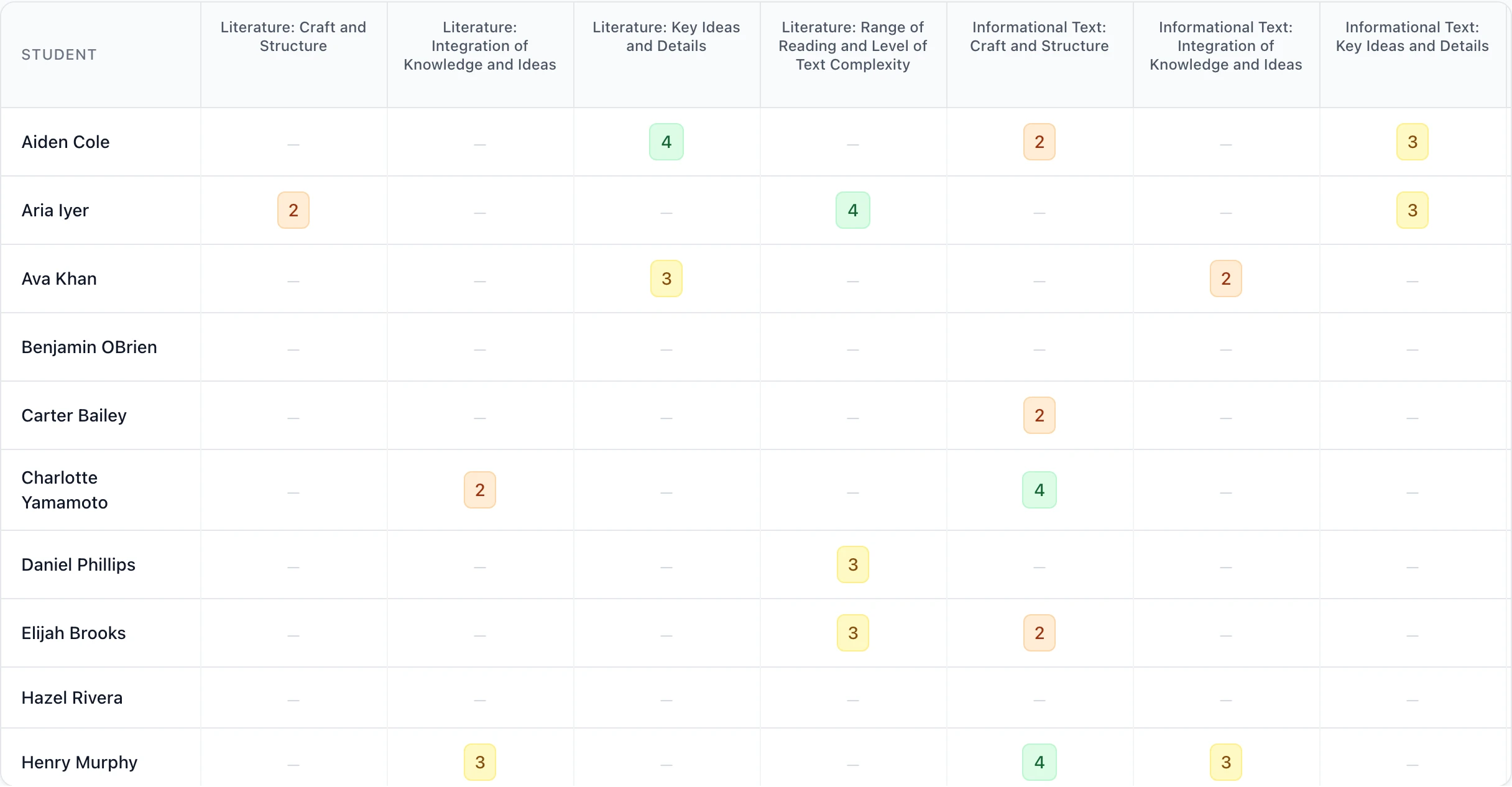
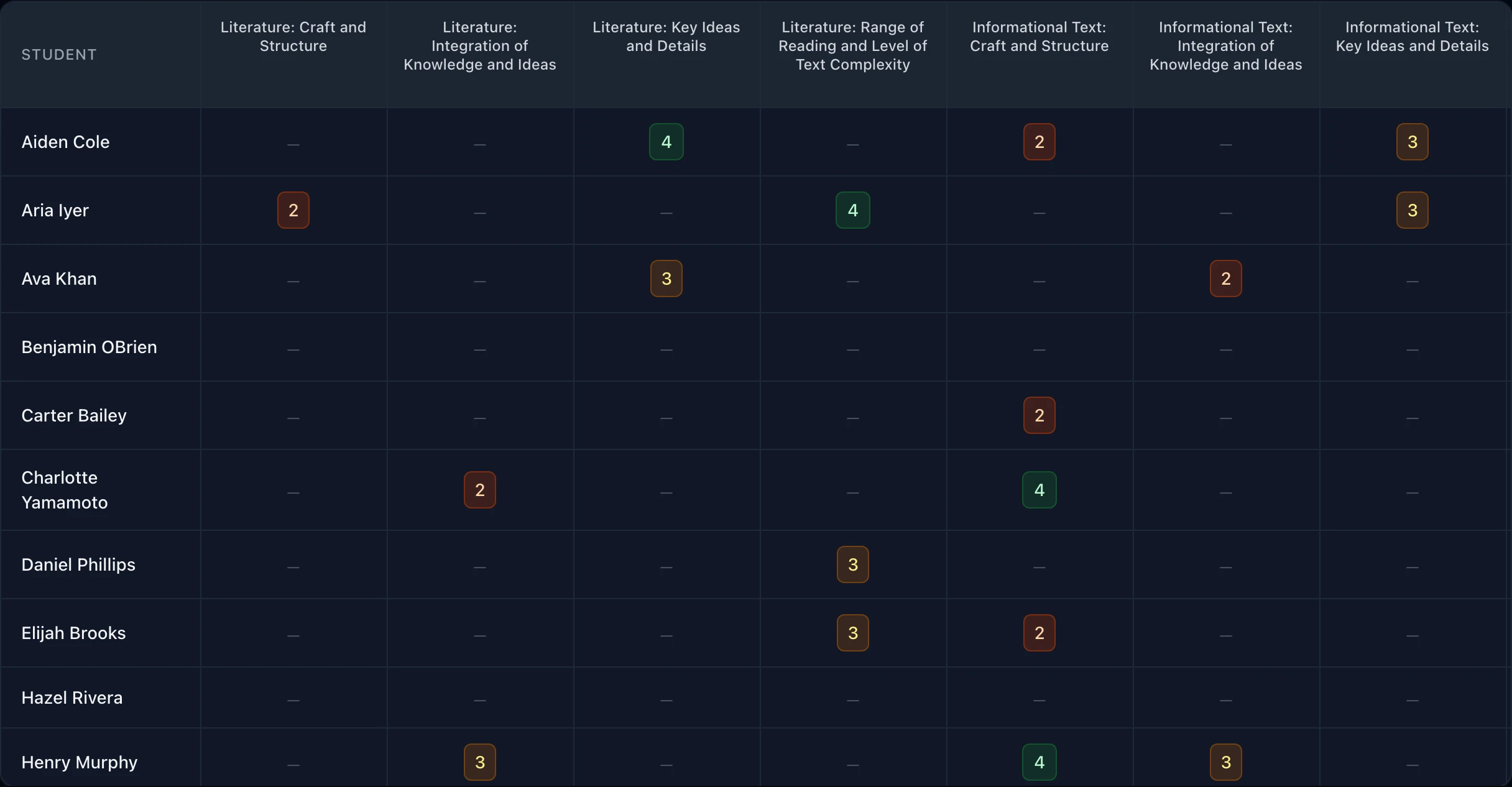
Every school gets OrganizeClass under one agreement, with the district's settings throughout. Teachers capture student thinking mid-lesson, linked to the standards it shows.
What the district adds
Every school gets everything on the schools page. On top of that:
- Every school at once
- Each school sits under the district. A district admin manages every one of them, and sees which accounts still need activating and which classes have no teacher.
- District-wide settings
- Which score counts, the names of the four levels, your logo on printed reports. Schools follow the district unless they set their own.
- The district's standards
- Add your own report-card or power standards on top of the state set, by hand or from a CSV. Every school's classes see them.
- Adoption by school
- Usage rolled up per school, beside the per-teacher view each school has.
- Admin roles
- Full admins change settings and access. Staff admins handle accounts and classes. A district admin is an admin of every school.
- When a contract ends
- We export your records on request, then delete student data within the 30 days the agreement sets.
Start with one school or all of them
After a demo, the district signs the data privacy agreement, we set up your schools and first admin, and each school adds its teachers.